
I’ve had this conversation with a lot of business owners over the years, usually about ten minutes in, usually a little sheepishly. They own a website. They’ve owned one for years. And they’re not totally sure what it actually is.
That’s a completely fair place to be. Nobody explained it. So let me explain it, in plain language, with no jargon.
What Is a Website, Really?
A website is a collection of pages that link to each other, sitting in a folder, on a computer that never gets turned off.
That’s it. That’s the whole thing.
The pages are the content. The folder keeps them together. The always-on computer is what makes them reachable from anywhere at two in the morning.
What Is a Web Server?
That always-on computer is the server. It looks a lot like the machine in front of you right now. The difference is it’s permanently connected to the internet and it runs software whose only job is handing pages to whoever asks.
Think of it like a building. A server is the building. Your website is a shop inside it.
Big companies with heavy traffic get the whole building to themselves. Everybody else shares one with other shops. That’s shared hosting, and that’s almost certainly what you have. It’s fine. It’s what most of the web runs on.
What Is a Domain Name?
Your domain is your address.
Your website is the house. Your domain is the number on the front of it. The useful part is that unlike a real house, you can point your address at a completely different building whenever you want. That’s what happens when you rebuild a site and keep the same name.
What Is a Web Page?
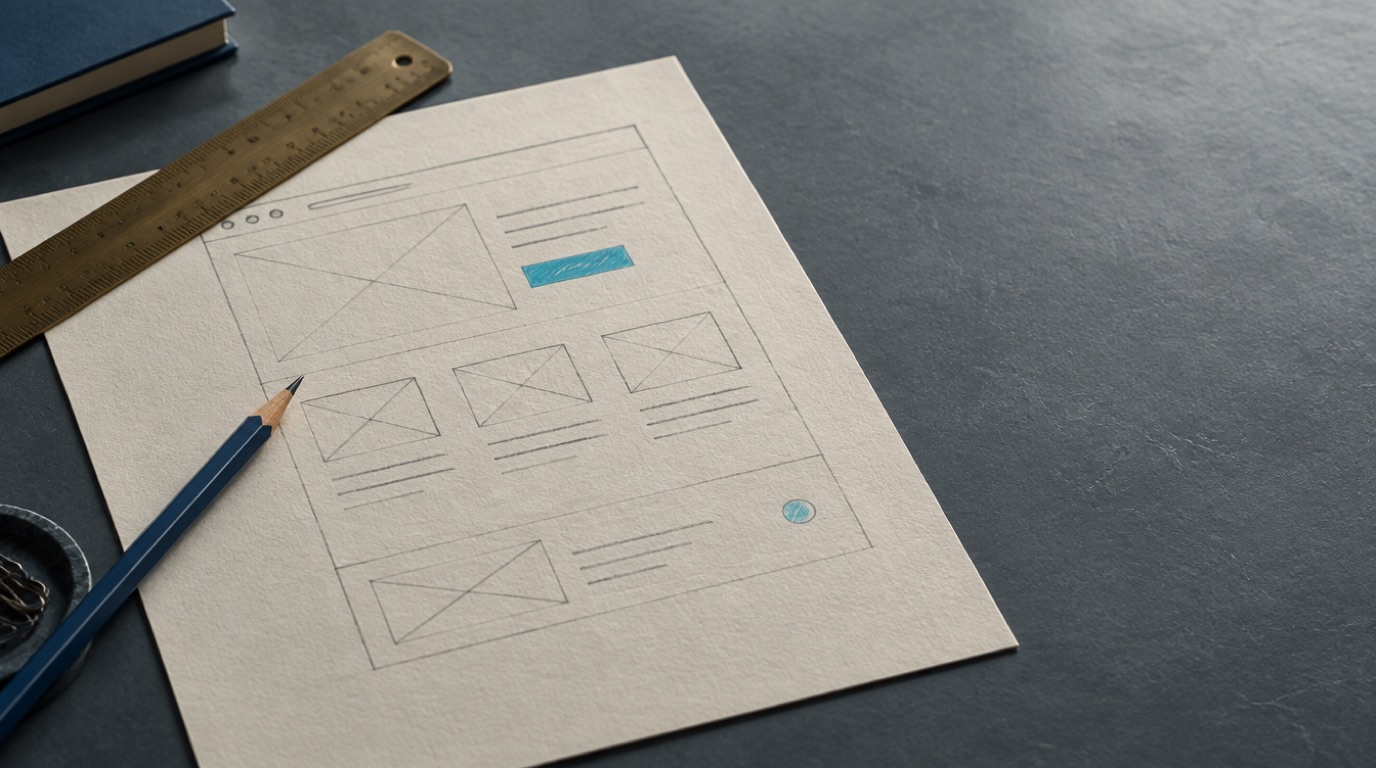
Pages are the building blocks. Each one is a text file marked up in HTML, which is just a set of tags telling the browser what’s a heading, what’s a paragraph, what’s a link.
Your browser reads those tags and paints the page. That’s the entire trick.
How Do I Edit Mine?
Depends how it was built, and there are two answers.
If your site runs on a content management system, you log into an admin area and edit the page right there in your browser. Nothing to install.
If it’s hand-built, someone edits the files directly and uploads the new version. Faster site, fewer moving parts, but you’re calling your developer for changes.
Neither one is wrong. They’re just different trades, and which one suits you depends on how often you actually want to change things.
Still fuzzy on any of it? Reach out anytime. I’d rather you ask than nod along.