How to Photograph Yourself for AI.
The reference shots you send are the raw material behind every AI image we build for you. Here is how to shoot them so the results look real.
Companion guide to your photo intake form.
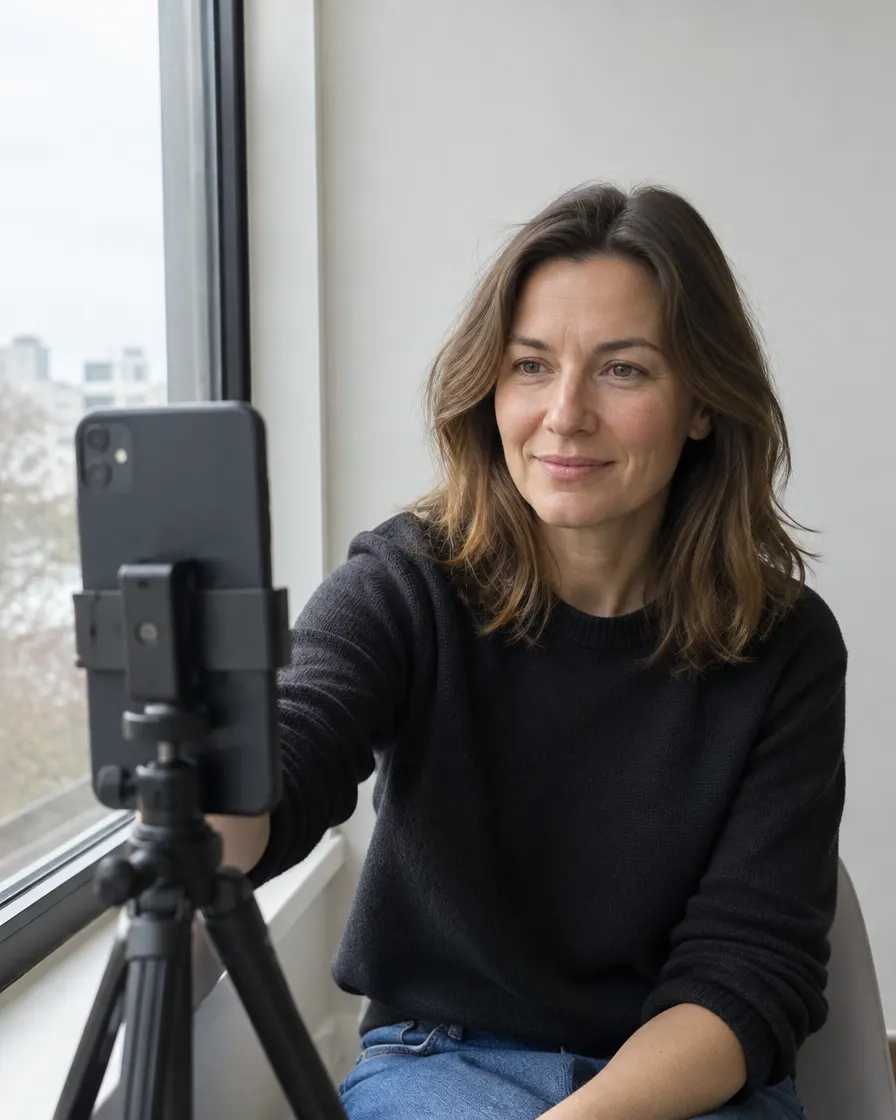
Photo reference guide
Shoot it right once and we can put you in almost any scene.
The photos you send me are the raw material I use to place you into different scenes, stages, environments, and creative scenarios using AI. The better your reference shots, the more realistic and varied the final results. These aren't finished photos. They're reference material. You're giving me enough to work with.
The more variety you give me in angles, expressions, and lighting conditions, the more situations I can put you in. Shoot as many as you can.
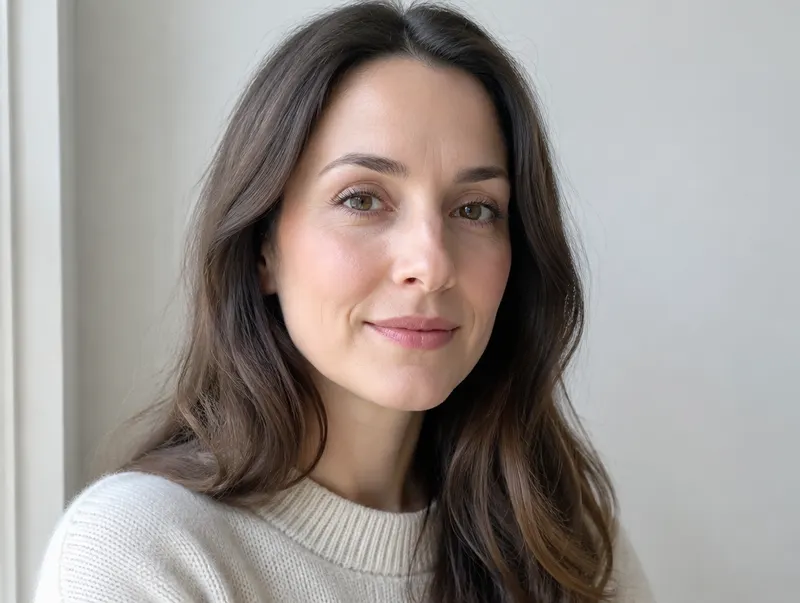
Good lighting is everything
Natural light near a window is your best friend. Overcast daylight is ideal. No harsh shadows, no blown-out highlights. Shade outdoors also works great. Avoid shooting in the dark or under fluorescent overhead light.
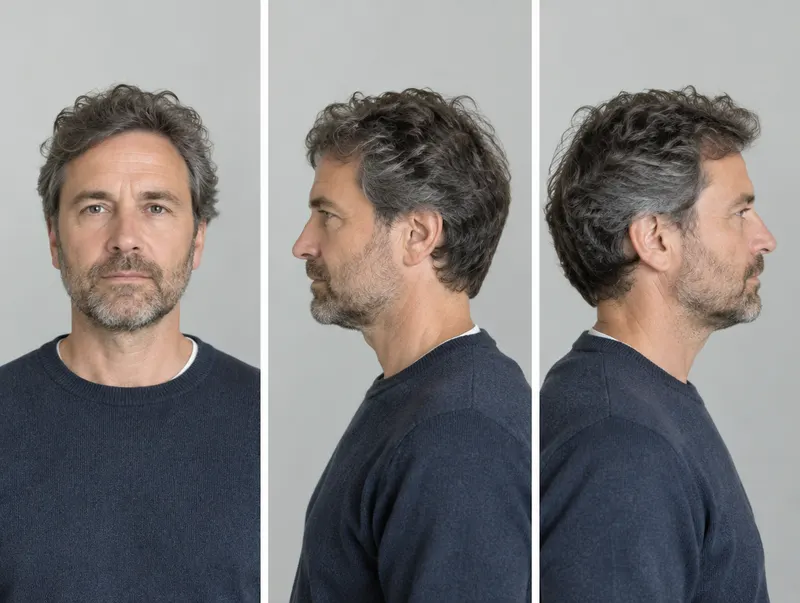
Shoot from multiple angles
Front-facing, left profile, right profile, slightly above, slightly below. I need to understand how you look from different perspectives so I can place you convincingly in any scene. Five to ten shots from varied angles goes a long way.
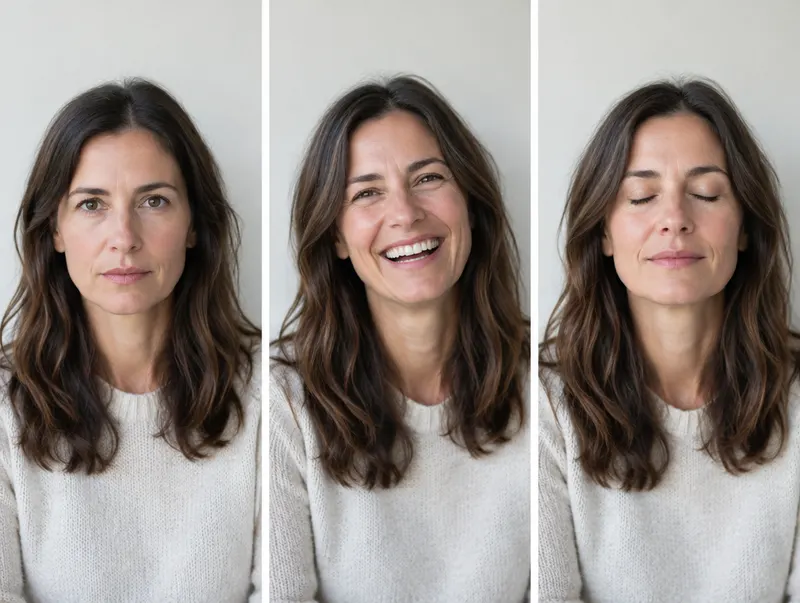
Vary your expressions
Serious, smiling, relaxed, mid-conversation, eyes closed. The more expressions I have to work from, the more authentic your AI images will look, whether it's a headshot or a candid moment.
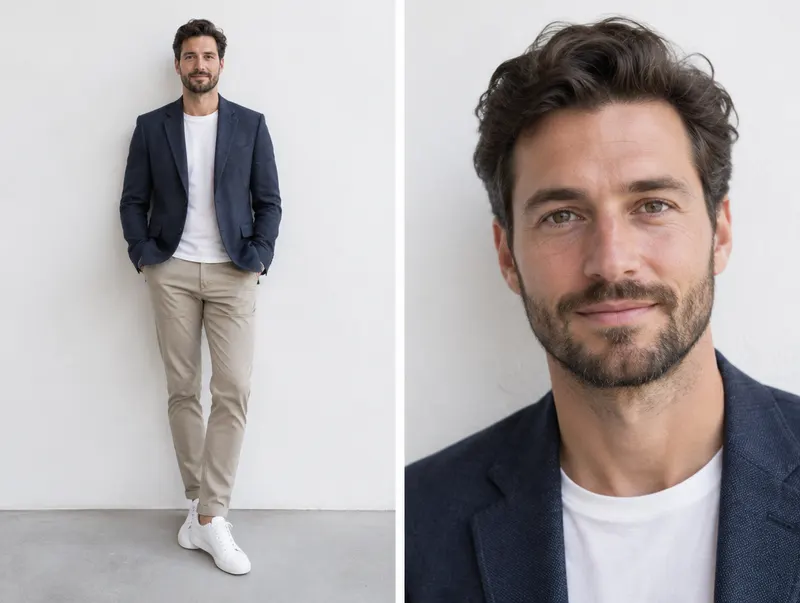
Include full-body and close-up shots
Close-ups of your face are essential. But also send full-body shots so I can see your posture and what you're wearing. Both are needed for different types of scenes.
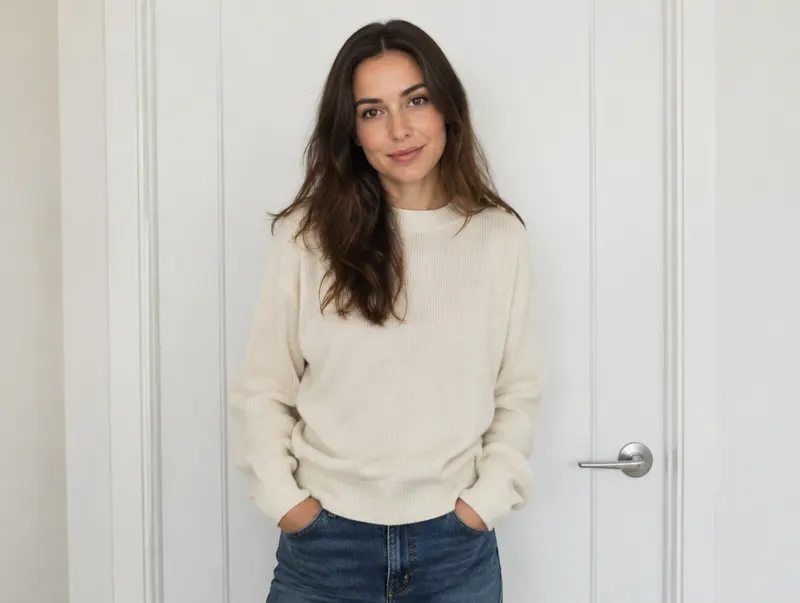
Plain or simple backgrounds preferred
A white wall, a plain door, open sky outdoors. Anything clean and uncluttered. I'm extracting you from the background, so complex backgrounds just make that harder.
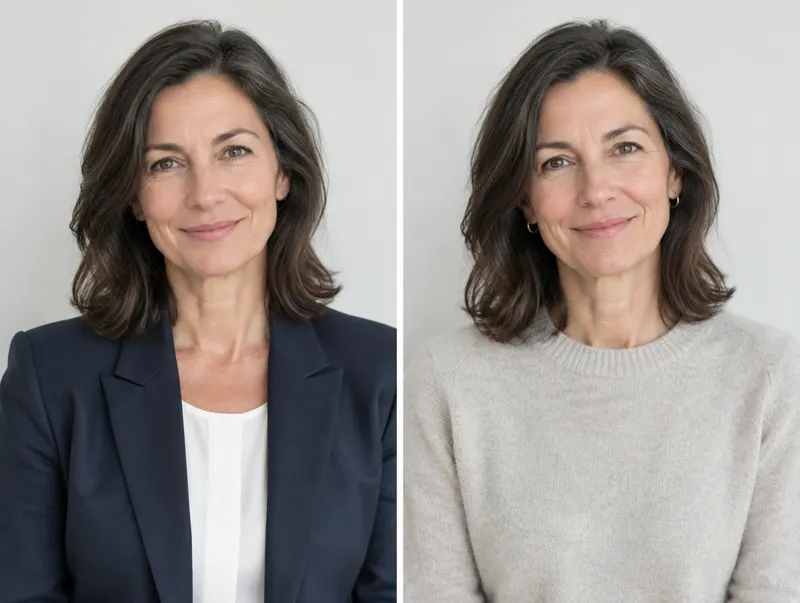
Wear what you work in
Send a few shots in what you wear on the job, or your signature look. Also send a few in everyday clothes. I can place you in different wardrobe via AI, but having your real look as reference makes the results more accurate.
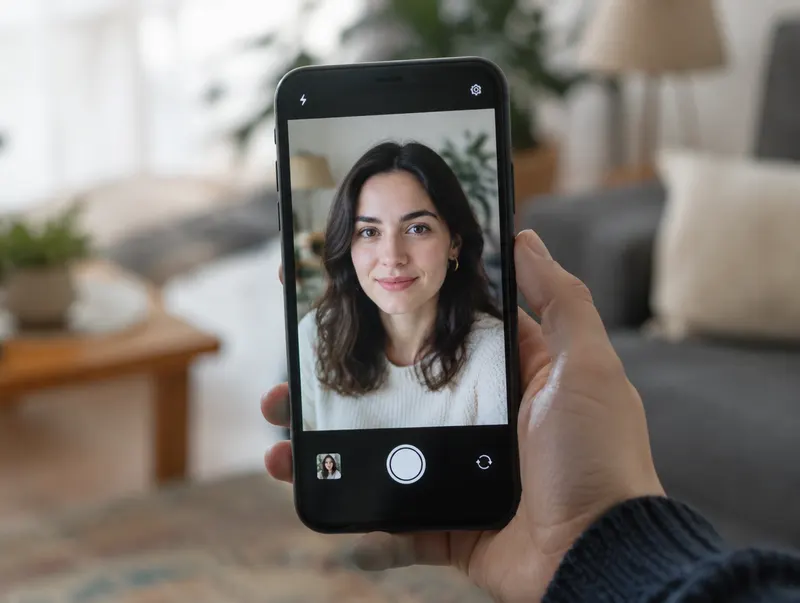
Use Portrait Mode for headshots, landscape for everything else
For individual close-ups: switch to iPhone Portrait Mode. It blurs the background and sharpens your face, which is exactly what I need. For full-body and group shots: rotate your phone horizontal (landscape).
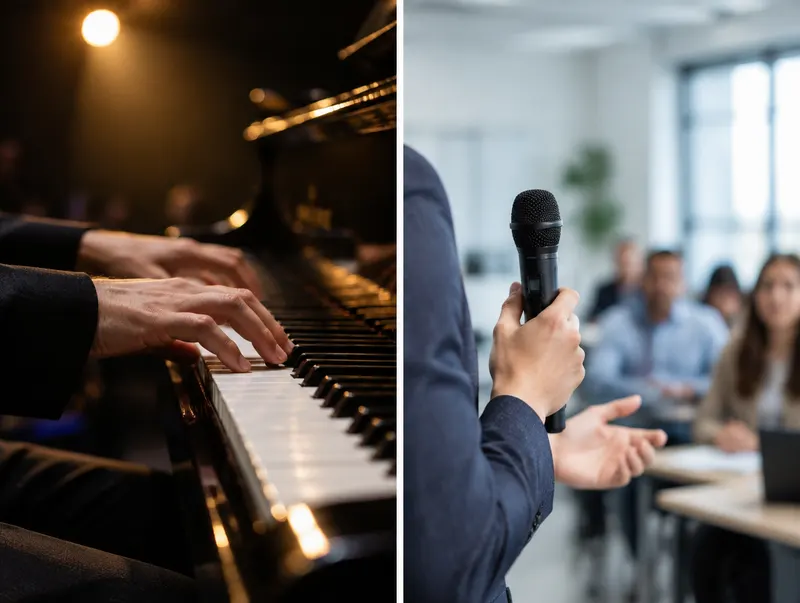
Include the tools of your trade (if appropriate to your project)
If something belongs in your shots, bring it in. Musicians, that's your instrument. Presenters, maybe a microphone or a whiteboard marker. Close-ups of your hands at work help too. These details make the final images feel real, not generated.
Aim for 20 to 40 photos minimum across different angles, expressions, and lighting. The more reference you give me, the more scenes I can create for you. More is always better here.
How to send your photos
Send at full resolution. Never via text message or screenshot. Use any of these options:


Use "Request files." No Dropbox account needed on your end. We can set up a link for you.
Open Dropbox →

In iPhone Photos, select shots → Share → Copy iCloud Link → paste into an email to us.
Open iCloud Photos →Send everything to jonwolf@livewebstudios.com with your name and your band or company name in the subject line. Never send via iMessage or standard text. Compression kills the quality permanently.