

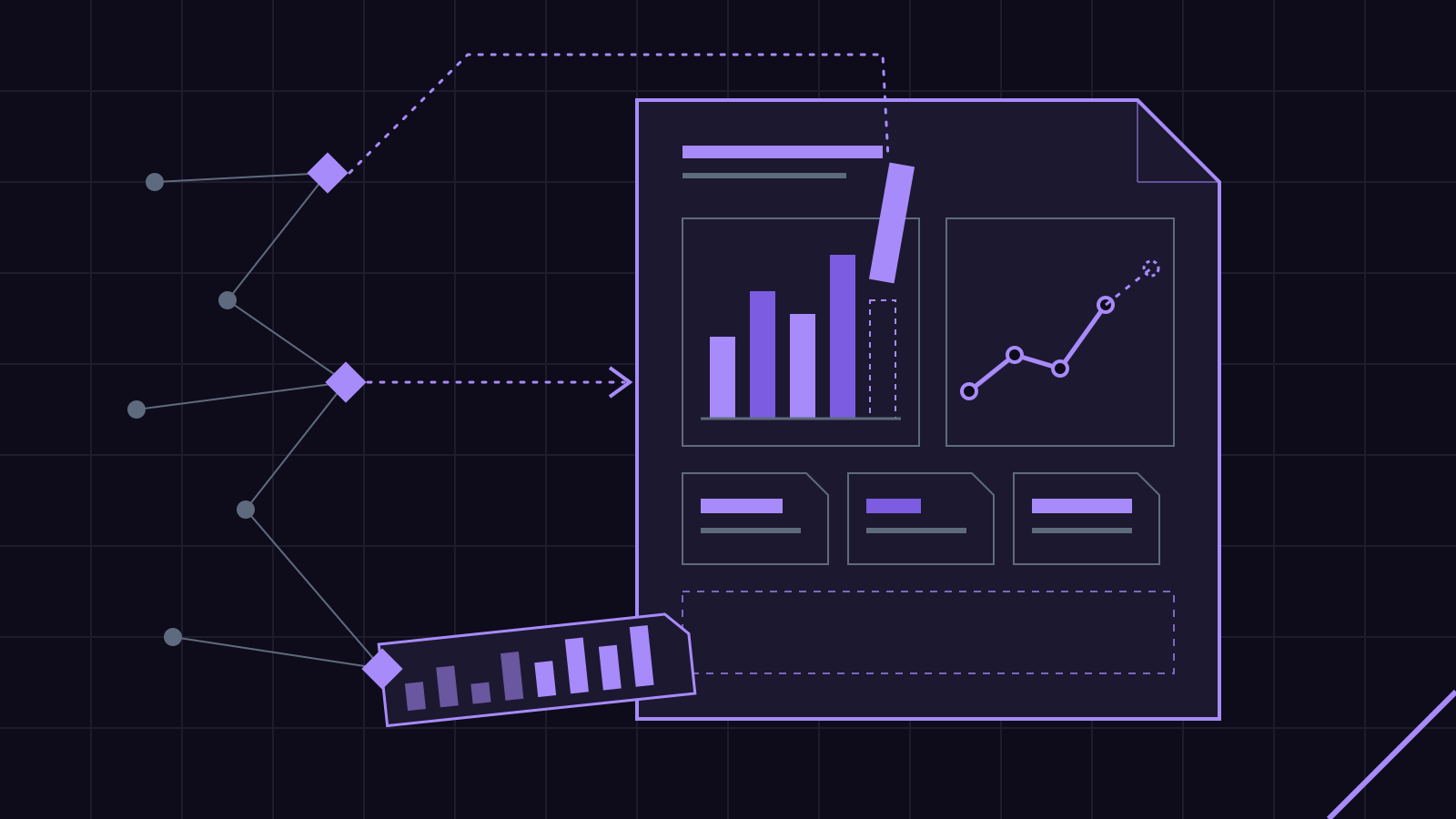
Most small businesses that pay for a website or SEO get some kind of monthly report. Most of them never read it. The report shows up as a PDF full of charts, the owner skims the first page, and it goes into a folder nobody opens again. That is a waste on both ends. Somebody spent hours building it, and the person paying for it got nothing they could act on.
We fixed that for ourselves by building a monthly reporting pipeline. It runs every month, it drafts the report, and a human reads every word before it goes out. Nobody sits down on the first of the month and assembles charts anymore.
Here is how it works, and why the result is more useful.
Why the old monthly report fails
The traditional report has two problems. The first is labor. Pulling numbers out of Search Console, a rank tracker, and an analytics account, then pasting them into a template, takes real time. Multiply that by a client list and the first week of every month disappears.
The second problem is worse. Because the assembly takes so long, there is no energy left for the part that matters: telling the owner what the numbers mean. So you get a chart of impressions going up and to the right with no sentence underneath it. Is that good? Did it bring in calls? Should anything change? The report doesn’t say.
A plumber doesn’t need a chart. A plumber needs one line: “More people found you for water heater repair this month, and here is the page they landed on.”
What the pipeline actually does
Our reporting pipeline has three stages. Each one is automated. None of them ship without review.
Stage one: pull the data
The pipeline connects to the sources that matter for a small business site. We run a DataForSEO pipeline for keyword and ranking data, and we pull Search Console for what Google is actually showing and what people are clicking. Those two sources cover most of what an owner needs to know about search.
The pull happens on a schedule. Same day every month, same sources, same date ranges. That consistency matters more than people think. A report that compares March to a slightly different slice of February is a report that lies a little.
Stage two: draft the report
This is where AI earns its keep. The raw numbers go into a client report template, and the AI writes the narrative. What went up. What dropped. Which pages pulled their weight and which ones sat there. It flags anything unusual, like a page that lost half its clicks, or a search term that showed up out of nowhere.
The template is fixed on purpose. Every client gets the same structure every month, so an owner learns where to look. Top of the page: what happened, in plain English. Below that: the few numbers that back it up. At the bottom: what we recommend doing next.
Stage three: a human reads it
The AI drafts. It doesn’t send. The human principal who directs the studio reads every report, checks the flagged items against the actual data, and rewrites anything that is wrong or unclear. If the draft says a drop in traffic is a problem, and the real reason is that the business closed for a holiday week, that gets caught here.
This step is the whole point. An automated report that nobody checks is just a faster way to send out mistakes.
What an owner actually gets
The finished report is short. It opens with two or three sentences a person can read standing up. Then it shows the handful of numbers that support those sentences, not forty charts.
It answers the questions owners actually ask:
- Are more people finding us than last month?
- Which searches are bringing them in?
- Is anything broken or slipping?
- What should we do about it?
That last question is the one most reports skip. Ours doesn’t. If a service page is getting seen but not clicked, the recommendation says to rewrite its title and description. If a page is ranking for something the business doesn’t even offer, the report says so.
Where this fits with the rest of the automation
The reporting pipeline is one of several automations we run on our own business. It sits next to the hosting-renewal invoice automation we built on Zoho and Google Apps Script, which we wrote up in The Invoice That Sends Itself. Same idea in both. Find the job that eats hours every month, automate the assembly, keep a human on the approval.
We also run Search Console audits and schema work alongside the reports. When the monthly numbers show something odd, like pages dropping out of the index, the audit is the next step. And with more people asking AI assistants instead of typing into Google, the reporting has to watch both. We covered that shift in SEO in the Assistant Era.
Could you build this for your business?
Probably, yes. The question isn’t whether the technology exists. It does. The question is whether you have a report worth automating.
Ask yourself three things:
- Is there a document you or someone else assembles every month by copying numbers from one place to another? That is a candidate.
- Does anyone read it? If not, automating it just produces unread reports faster. Fix what the report says first.
- Who signs off? Someone has to own the final version. Automation handles the assembly. A person owns the judgment.
For a lot of small businesses the answer lands on search reporting, because that is where the numbers live and change every month. For others it is a sales summary, a membership count, or a weekly list that goes to a board. We built a weekly member-list automation on exactly that pattern.
The honest limits
A pipeline like this is only as good as its sources. If Search Console isn’t connected, or the site has tracking gaps, the report will be confidently incomplete. So the first month is setup: getting the connections right, confirming the numbers match what the source tools show, and tuning the template to the business.
It also doesn’t replace thinking. The AI can tell you a page lost clicks. It takes a person who knows the business to say it happened because the owner stopped offering that service in May. That kind of context is exactly why the review step stays.
The bottom line
A monthly report should take a minute to read and tell you one thing to do. Getting there used to cost hours of assembly. Now the assembly runs on its own, and the hours go to the part that helps you.
That is the model across everything we build. AI does the heavy lifting. A human directs it and signs off. You can see the reporting work alongside the rest of what we run in our services.
If there is a report in your business that nobody wants to write, tell us about it here.