

Every small business has one job that eats a morning every month and produces nothing new. For us it was hosting renewals. The same invoices, to the same clients, on roughly the same dates, every single year. So we built a system that sends them without anyone opening a spreadsheet.
This is how that works, and how to find the version of it hiding in your own office.
The job nobody wanted
Hosting renewals look simple on paper. A client’s plan comes due, you send an invoice, they pay. Done.
In practice it was a small pile of chores. Check which accounts renew this month. Look up the right amount, because plans differ. Build the invoice in Zoho. Write a short note so the invoice doesn’t arrive cold. Send it. Then remember to follow up on the ones that sit unpaid for two weeks.
None of that is hard. That’s exactly the problem. Easy, repetitive work is the work people put off, forget, or do slightly differently each time. And an invoice that goes out late is money that comes in late.
What we actually built
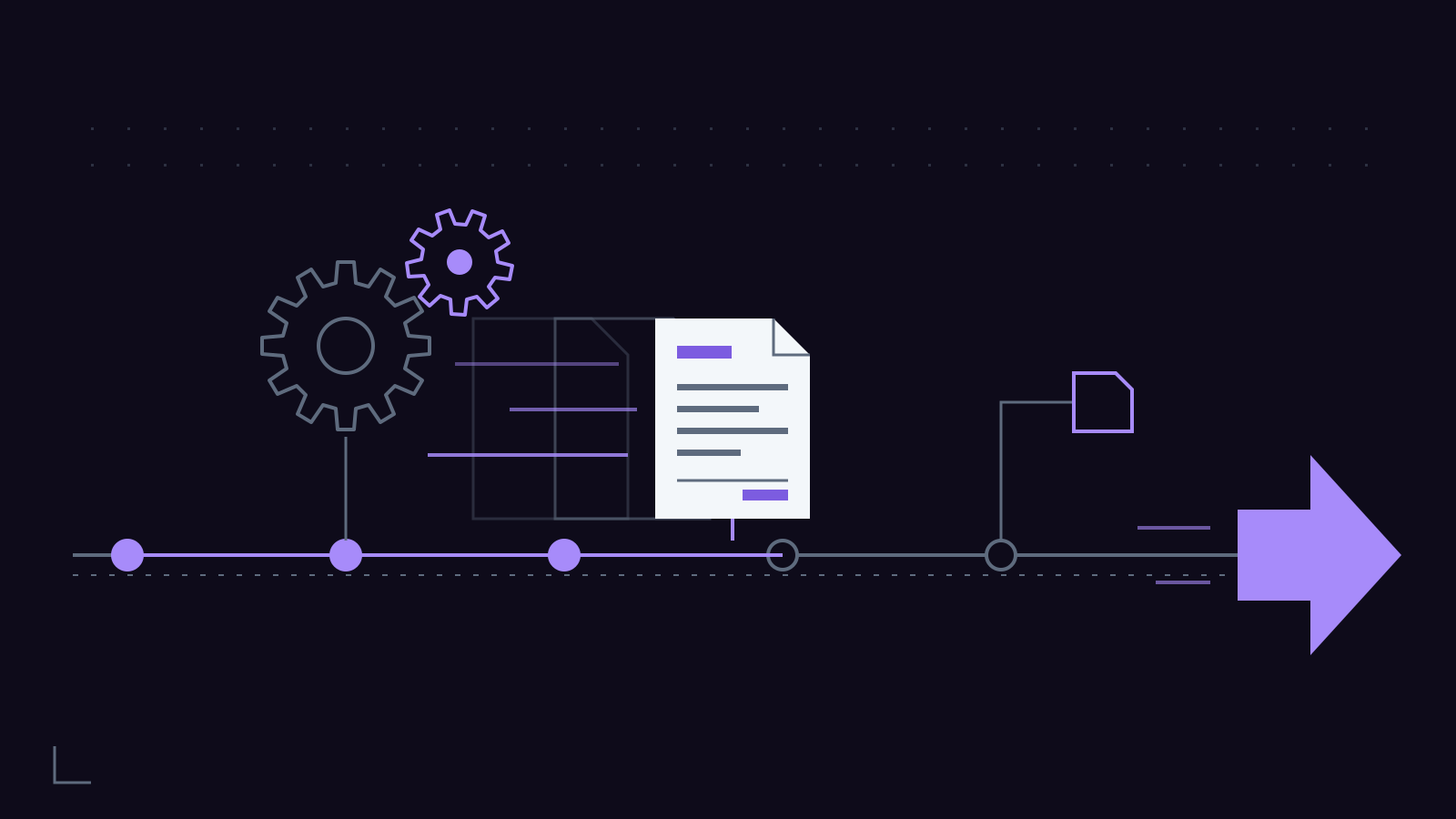
The system runs on Zoho for invoicing and Google Apps Script for the logic in between. It ended up as 15 .gs files, each one doing a single narrow job. One reads the renewal schedule. One matches accounts to the right plan and amount. Another drafts the invoice in Zoho, and one more handles the note that goes with it. There’s a piece that watches for unpaid invoices and queues a reminder.
Fifteen files sounds like a lot for “send an invoice.” It isn’t. Small pieces are easier to test, and when something breaks you know exactly where to look. One giant script that does everything is how automations turn into mysteries nobody wants to touch.
AI did most of the building. It wrote the scripts, drafted the message templates, and worked through the edge cases: the client who pays annually, the client on a legacy rate, the account that was paused. A human principal decided what the rules should be, reviewed every script before it went live, and checked the first runs line by line against what would have been sent by hand.
That review step isn’t optional. It’s the whole model. AI does the labor. A person decides what’s right and signs off.
What changed
The invoices go out on schedule. The amounts are right because the system reads them from one source instead of someone’s memory. The reminder goes out whether or not anyone remembers to send it.
And the morning that used to disappear into renewals now goes to work that actually needs a person.
We’re not going to hand you an hours-saved number, because we didn’t run a stopwatch on the old way. What we can say is simpler. Nobody on our side thinks about hosting renewals anymore. It just happens, and when it doesn’t, the system tells us.
How to find your own invoice
You probably have one of these. Maybe three. Here’s how we look for them when we assess a business.
It repeats on a schedule
Weekly, monthly, yearly. If you can put it on a calendar, a machine can put it on a calendar. Renewals, member lists, recurring reports, the Friday social post. We run a weekly member-list automation for exactly this reason: same task, same day, every week.
The rules fit on an index card
“If the plan is X, charge Y. If it’s unpaid after 14 days, send a reminder.” When you can explain the job in a few plain sentences, it can be automated. If the explanation starts with “well, it depends on how I feel about the client,” that part stays human.
The data already lives somewhere
Invoicing software, a spreadsheet, a CRM, your inbox. Automation connects things that already exist. If the information only lives in your head, step one is writing it down, and honestly that alone is worth doing.
A mistake costs real money or real trust
A missed invoice. A late report. A lead that sits in the inbox for three days. These are the tasks where consistency pays for itself, because the cost of a slip isn’t the time. It’s the damage.
What we’d automate first in most offices
Not everything. Start with one job, get it running clean, then move to the next.
- Recurring invoices and payment reminders. The cleanest win, because the rules are clear and the payoff is cash.
- Email triage. Sorting routine questions from the ones that need you. We run email triage so the messages that matter surface first and the rest get a fast, accurate first response.
- Scheduled social posts. Our Facebook and Instagram posting automation means the calendar gets filled once and the posts go out on their own.
- Monthly reporting. Pulling the same numbers into the same format every month. We wrote about that one separately in The Monthly Report Nobody Has to Write.
What we would not automate
Anything where judgment is the product. A pricing conversation with a client who is struggling. A reply to an angry review. A decision about whether to write off a bill. Those need a person, and a good automation is built to hand them to one instead of guessing.
The other thing we won’t do is automate a process that’s broken. If your invoicing is a mess by hand, a script will just make the mess faster. Fix the rules first. Then automate them.
What it takes on your end
Less than you’d expect. We need access to the tools you already use, a clear description of the job as you do it today, and someone who can answer “what should happen when…” questions for the first couple of weeks. After that, it runs.
We keep watch on the systems we build. When Zoho changes something or a client’s plan changes, the automation gets updated. That’s part of the deal, not an afterthought.
The real point
The invoice that sends itself isn’t impressive technology. It’s a boring job done the same way every time, by a system that doesn’t forget. That’s what most small businesses actually need from AI. Not a chatbot on the homepage. A morning back every month, and one less thing to remember.
If you want to see the rest of the automation work we’ve shipped, it’s all on our services page.
Got a job in your office that should be running itself? Tell us about it here.